


I tested more than 15 self-hosted video conferencing platforms in real-world scenarios: I set up meetings, added screen sharing, and recorded calls to see which solution is good for enterprise-grade video meetings.
A few of them were easier to set up all by myself with limited technical expertise. For others, I got support for our tech team. After a 360 degree analysis including feedback from other users (mentioned in this article), I’ve curated a list of the best video conferencing platforms for 2026. Here’s what I found:
The 10 Self-Hosted Video Conferencing Platforms: TL;DR
| Tool | Type | Best for | Starting Price |
| MirrorFly | SDK + APIs | Building white-label self-owned video apps | Custom pricing |
| Jitsi Meet | Ready-made app | Free team meetings | $5 to $20 per month |
| Apphitect | SDK + APIs | Custom enterprise communication apps | Custom pricing |
| BigBlueButton | Ready-made app | Virtual classrooms & webinars | $40 to $84 per month |
| Element | Collaboration platform | Secure messaging + video | $6 to $12 per month |
| OpenVidu | WebRTC platform | Custom video applications | $0.0006 per CPU core per minute |
| Ant Media Server | Media server | Low-latency live streaming | $109 per month |
| Nextcloud Talk | Collaboration app | Teams using Nextcloud | $4 to $6 per month |
| TrueConf | Enterprise meeting app | On-prem enterprise deployments | $0.83 per user per month |
| Secumeet | Secure meeting platform | Privacy-focused organizations | $14.99 to $18.00 per month |
What Is A Self-Hosted Video Conferencing Platform?
A self-hosted video conferencing platform is a video meeting software that you install and run entirely on your organization’s own servers, or a private cloud infrastructure with full control over your platform data, media routing, and security.
If your organization is planning to add video conferencing capability to your existing platform, you need not add a third-party service like Zoom, or Google Meet. Because these platforms store your data on their servers, which is highly risky.
Instead, using a pre-built video conferencing solution, you can add the feature to your app instantly keeping all the video streams, audio data, chat logs along with the meta data inside your own server.
Ultimately, everything stays in your control, and no third-party platform can access your business information at any cost.
Now, let me list the video conferencing platforms that lets you host it on your server:
10 Best Self Hosted Video Conferencing Platforms (2026 Reviews)
1. MirrorFly
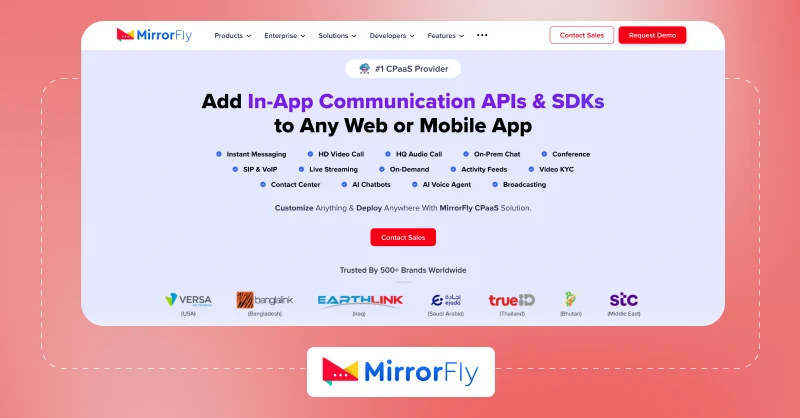
What it Does: MirrorFly is a Communications Platform as a Service (CPaaS) that provides software development kits (SDKs) and application programming interfaces (APIs) for developers. Enterprises can add their video call solution, instant messaging software or audio calling directly into their own mobile and web apps.
Best for: MirrorFly’s video conferencing software is best for enterprises, developers and businesses that want to embed customized, white-label video conferencing features using APIs and SDKs.
Key Features of MirrorFly
- Connect users over HD video calls and conferences at minimal latency.
- Screen sharing for collaborative discussions
- Digital whiteboards for immersive brainstorming
- Share files of any size and format
- Record meetings and repurpose them in the future
What Users Say About MirrorFly
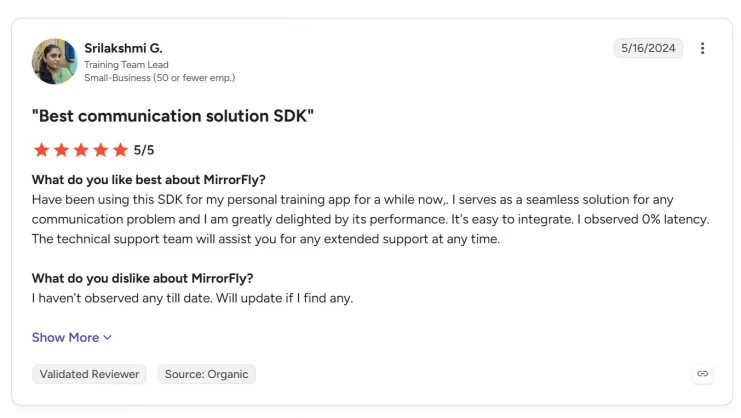
Pros: “Have been using this SDK for my personal training app for a while now,. I serves as a seamless solution for any communication problem and I am greatly delighted by its performance. It’s easy to integrate. I observed 0% latency. The technical support team will assist you for any extended support at any time.”
Cons: “I haven’t observed any till date. Will update if I find any.”
– Srilakshmi G, Training Team Lead
- 100% White-Label
- Fully Customizable
- Multi-tenant
- Full Source Code
- On-prem & On-Cloud
- Lifetime Ownership
2. Jitsi Meet
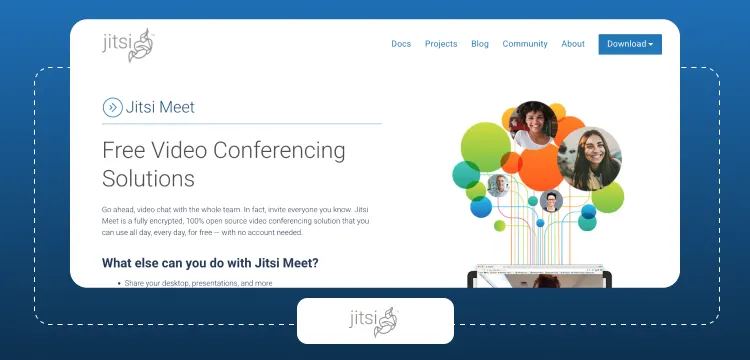
What it Does: Jitsi Meet is a free, open-source video conferencing platform that you can install and run on your server. After installation, you can directly host and join video meetings through a mobile app or a web browser.
Best for: Jitsi Meet is best for developers, and organizations that need a free and open-source video conferencing tool without requiring sign up for an account.
Key Features of Jitsi Meet
- Share texts, emojis and links within video calls.
- Change the background of video calls with custom images or simply blur it with a button.
- Raise hands, start live polls during webinars or online conferences.
- Record your meetings or directly stream them live on YouTube.
- Lock the chat room with a password.
What Users Say About Jitsi Meet
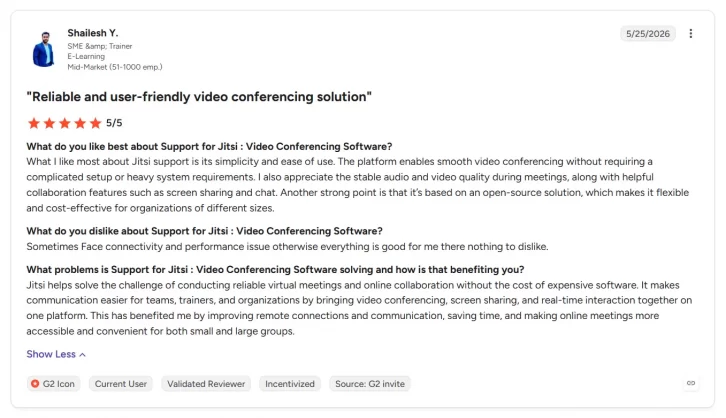
Pros: “The platform enables smooth video conferencing without requiring a complicated setup or heavy system requirements. I also appreciate the stable audio and video quality during meetings, along with helpful collaboration features such as screen sharing and chat.”
Cons: “Sometimes Face connectivity and performance issue otherwise everything is good for me there nothing to dislike.”
– Shailesh Y., SME & Trainer, E-Learning
3. Apphitect
⚠️ Note: Apphitect’s video conferencing solution is a proprietary solution with no publicly accessible GitHub source code. The company provides integration documentation and technical materials directly to customers.
What it Does: Apphitect is a software and AI development platform, and the sibling brand of MirrorFly managed by CONTUS TECH. Similar to MirrorFly, Apphitect also provides APIs and SDKs as a part of its digital solution offerings.
Apphitect’s video conferencing solution lets you add the functionality to web and mobile apps, with support for self-hosting and white-labeling.
Best for: Apphitect’s video conferencing software is best for B2Bs, and enterprise SaaS companies that need a self-hosted, and white-label video and chat infrastructure.
Key Features of Apphitect
- Connect to your traditional phone systems with Session Initiation Protocol (SIP) and Voice over IP (VoIP).
- Schedule and manage meetings in a clean UI.
- Record video and voice calls for future playbacks.
- Share huge files, and media in any format.
- Secure meetings with AES along with custom privacy features.
What Users Say About Apphitect
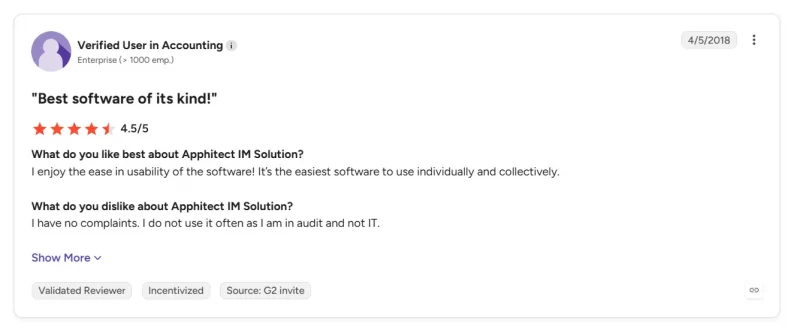
Pros: “I enjoy the ease in usability of the software! It’s the easiest software to use individually and collectively.“
Cons: “I have no complaints. I do not use it often as I am in audit and not IT.“
4. BigBlueButton
What it Does: BigBlueButton is an open-source virtual classroom and web conferencing platform that replicates a classroom directly in a web browser without the need for any additional app. It is specifically designed for online education and learning, and does not operate as a generic video tool.
Best for: BigBlueButton is an ideal choice for educational organizations, individual educators, and online tutors who need a secure video meeting tool to conduct online classes.
Key Features of BigBlueButton
- Instructors draw, highlight and annotate concepts on white-boards to teach students.
- Split students in small virtual rooms for activities and focused discussions.
- Create assessments and feedback instantly.
- Record lectures and use them later, track student activities with live analytics.
- Connect video meetings with learning management systems like Canvas, Moodle, and Totara.
What Users Say About BigBlueButton
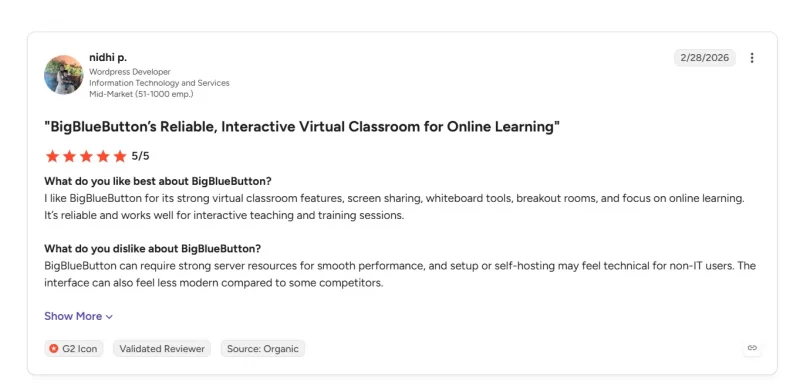
Pros: “I like BigBlueButton for its strong virtual classroom features, screen sharing, whiteboard tools, breakout rooms, and focus on online learning. It’s reliable and works well for interactive teaching and training sessions.“
Cons: “BigBlueButton can require strong server resources for smooth performance, and setup or self-hosting may feel technical for non-IT users. The interface can also feel less modern compared to some competitors.“
– Nidhi P., WordPress Developer, Information Technology and Services
5. Element
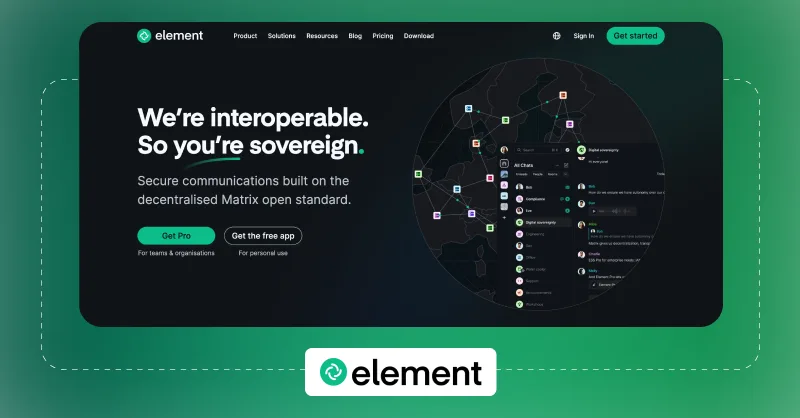
What it Does: Element is an open-source platform that uses the Matrix protocol to add real-time communication features like messaging, voice calls, and video conferencing into apps.
Best for: Element is a good choice for organizations, and government agencies that prioritize data privacy particularly when communication flows in multiple directions.
Matthew Hodgson, British software developer and entrepreneur, Co-founder of the decentralized communications project Matrix.org and as a Co-founder of Element highlight in his blog:
“there’s been huge increase in interest from folks wanting the security and autonomy of running their remote collaboration services, rather than being at the mercy of traditional proprietary centralised apps.”
Key Features of Element
- Rings like a traditional phone for direct incoming messages.
- Connects multiple participants in standalone group video conferences and ad-hoc room huddles.
- External participants with a Matrix account can join meetings instantly.
- Audio is natural with a native CallKit integration.
- Share screens with other participants and send out emojis instantly.
What Users Say About Element
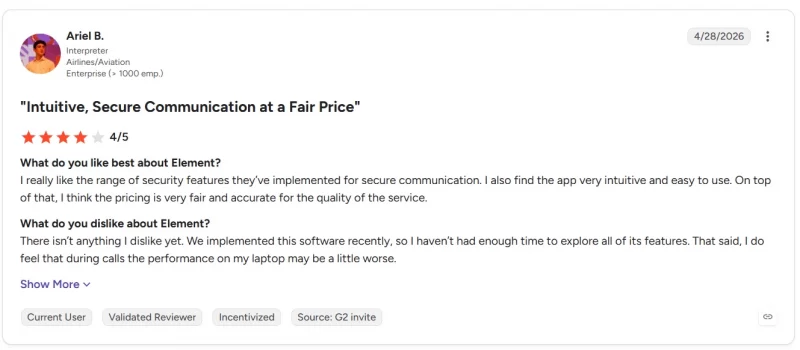
Pros: “I really like the range of security features they’ve implemented for secure communication. I also find the app very intuitive and easy to use. On top of that, I think the pricing is very fair and accurate for the quality of the service.“
Cons: “There isn’t anything I dislike yet. We implemented this software recently, so I haven’t had enough time to explore all of its features. That said, I do feel that during calls the performance on my laptop may be a little worse.“
– Ariel B., Interpreter, Airlines/Aviation
6. OpenVidu
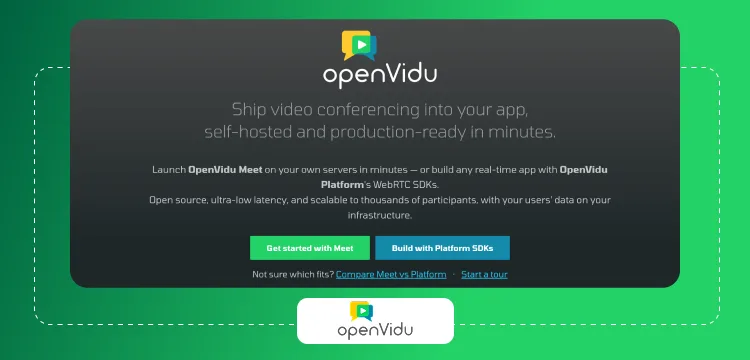
What it Does: OpenVidu is a platform similar to MirrorFly. It offers a toolkit with APIs, backend servers, and client-side Software Development Kits (SDKs) so developers can build custom video calling features into their own web and mobile apps.
Best for: OpenVidu is best for businesses that want to run their own self-hosted video meetings and conferences in their own infrastructure, so they get more control and have the flexibility to customize the solution as per their needs.
Key Features of OpenVidu
- Suppresses echoes and cancels out noise during the video meetings.
- Stream video meetings live on YouTube and Twitch.
- Connect multiple camera and screen viewing.
- Record video meetings in multiple modes including grid layout or individual files.
- Replace meeting background with any custom image.
What Users Say About OpenVidu
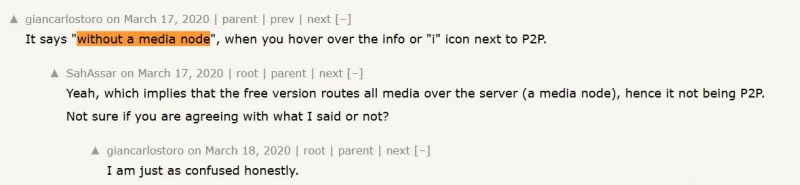
Pros: “True peer-to-peer sessions skip the server-side media relay entirely.“

Cons: “Pricing is unpredictable as OpenVidu charges for uptime rather than actual usage.“
– Giancarlostoro, YCombinator – Franga2000, YCombinator
7. Ant Media Server
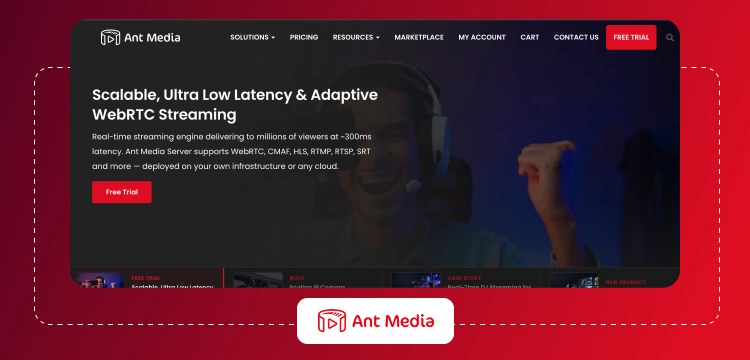
What it Does: Ant Media Server is a WebRTC-based real-time video streaming engine that lets developers build their own video conferencing apps where they can broadcast live video and audio with a delay that’s less than 500 milliseconds. Ant Media Server handles multiple protocols including WebRTC, RTMP, HLS, DASH and can handle concurrent viewers on AWS, Azure, and Google Cloud.
Best for: Ant Media Server is an undeniable choice for developers, enterprises and businesses that need to stream video and audio without any delay, and in their own apps without using a third party platform.
Key Features of Ant Media Server
- Record video meetings via API
- Use the Media Push plugin to save the meeting sessions in MP4 or WebM
- Stream live on YouTube, or Vimeo.
- Use CDNs to load the video meetings faster on web browsers.
- Cast video sessions simultaneously on multiple platforms.
What Users Say About Ant Media Server
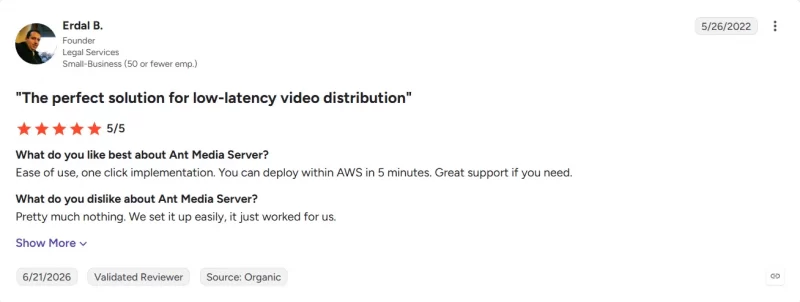
Pros: “Ease of use, one click implementation. You can deploy within AWS in 5 minutes. Great support if you need.“
Cons: “Pretty much nothing. We set it up easily, it just worked for us.“
– Erdal B., Founder, Legal Services
8. Nextcloud Talk
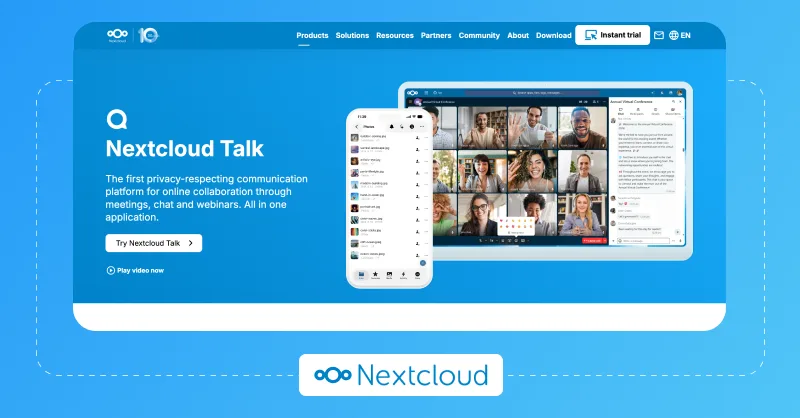
What it Does: Nextcloud Talk is an open-source, self-hosted video conferencing and team messaging platform that lets you run secure audio and video calls on your own private infrastructure. For large scale meetings, Nextcloud uses a dedicated High-Performance Backend (HPB) signaling server to handle extra traffic and keep calls running smoothly.
Best for: Enterprises, healthcare organizations, government sector and IT teams that handle sensitive data and want to keep them within their own infrastructure.
Key Features of Nextcloud Talk
- Share the entire screen, only an app’s window or a specific browser’s tab.
- Connect with external guests in meetings via a simple link.
- Manage participants and the access they have over audio, video and screen sharing.
- Drive visual brainstorming on whiteboards.
- Raise hands, react, and start polls mid-meeting.
What Users Say About Nextcloud Talk
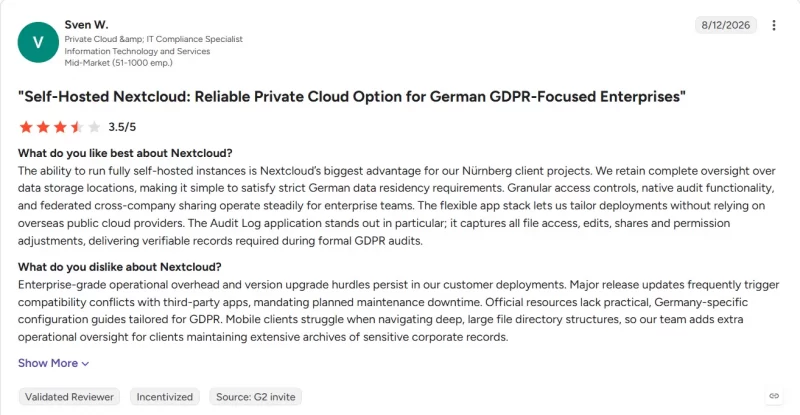
Pros: “The ability to run fully self-hosted instances is Nextcloud’s biggest advantage for our Nürnberg client projects. We retain complete oversight over data storage locations, making it simple to satisfy strict German data residency requirements. Granular access controls, native audit functionality, and federated cross-company sharing operate steadily for enterprise teams. The flexible app stack lets us tailor deployments without relying on overseas public cloud providers. The Audit Log application stands out in particular; it captures all file access, edits, shares and permission adjustments, delivering verifiable records required during formal GDPR audits.“
Cons: “Enterprise-grade operational overhead and version upgrade hurdles persist in our customer deployments. Major release updates frequently trigger compatibility conflicts with third-party apps, mandating planned maintenance downtime. Official resources lack practical, Germany-specific configuration guides tailored for GDPR. Mobile clients struggle when navigating deep, large file directory structures, so our team adds extra operational oversight for clients maintaining extensive archives of sensitive corporate records.“
– Sven W., Private Cloud &, IT Compliance Specialist
9. TrueConf
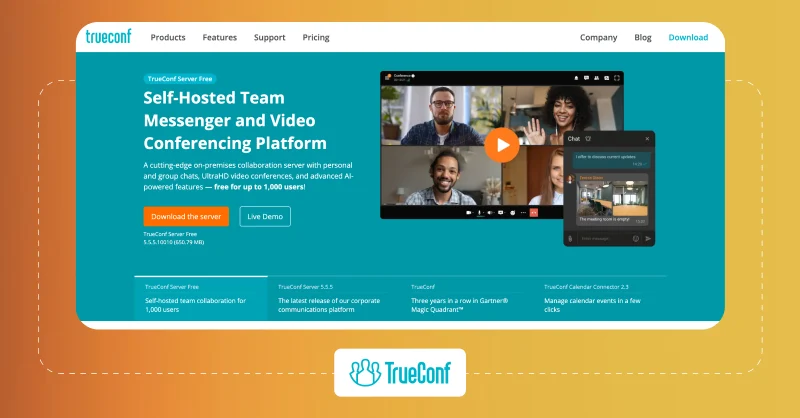
What it Does: TrueConf is a secure, self-hosted video conferencing platform that is capable of running completely offline with a private corporate network. It maintains a 4K Ultra HD video quality using Scalable Video Coding (SVC) technology that keeps the server from overloading.
Best for: Teams that prioritize enterprise-grade video conferencing along with unified communication mostly choose TrueConf video conferencing platform.
Key Features of TrueConf
- Assign roles to participants and manage their access to audio, and camera.
- Invite participants to scheduled meetings.
- Make participants wait in waiting rooms before they join allocated meetings.
- Record video meetings and view them later.
- Use drawing tools, whiteboards and annotations for brainstorming and discussions.
What Users Say About TrueConf
Pros: We are using TrueConf for our weekly news show watched live by thousands of avid spaceflight fans on our YouTube channel. TrueConf is the only video conferencing software that is able to create a seamless streaming experience for our viewers by maintaining guests’ positions even when they join and leave the conference.
– Michael Baylor, livestream producer for NASASpaceflight
Cons: However, it’s important to note that while TrueConf offers a free version with basic features, many advanced capabilities such as unlimited meeting duration, cloud storage, and analytics are only available in the paid plans.
10. Secumeet
⚠️ Note: Secumeet is a proprietary, security-hardened enterprise suite. Its main production source code is not publicly hosted on Github. Their integration materials and documentation are directly handed over to clients during procurement.
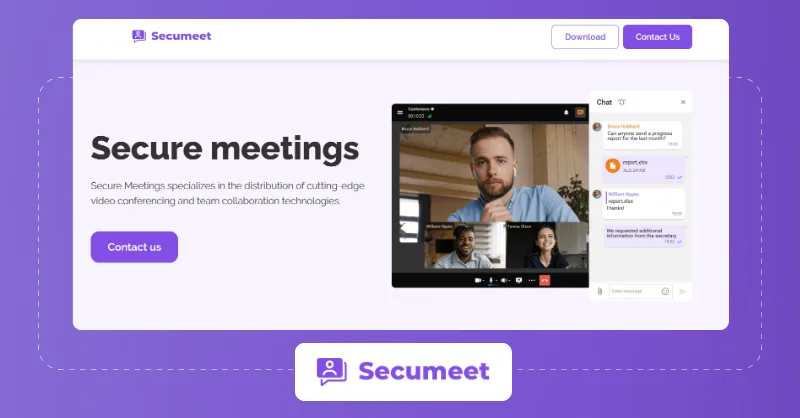
What it Does: Secumeet is a secure video conferencing and team collaboration platform designed for secure large scale meetings around private-networks, where the media is encrypted and the organization has complete enterprise infrastructure control.
Best for: Secumeet is best suited for organizations where video conferencing must work without external internet connectivity and for teams that handle sensitive or classified networks.
Key Features of Secumeet
- Host video conferences with up to 1500 participants.
- Edit content with other teammates and collaborate in real-time.
- Give remote assistance to other participants during meetings.
- Transcribe all your recorded conferences automatically.
- Connect your phone systems to meetings with SIP/H.323
What Users Say About Secumeet
Pros: “I really like the interface of Secumeet Server because it is very modern and easy to use. I also value its incredible power in terms of data security and information protection, which ensures privacy in every video conference. Additionally, the initial setup process was super easy and it took each team member only a couple of hours to set up their account.“
Cons: “I believe the platform’s values are appropriate, but I wish there were more plan options.“
– Julieta H, Presidential Communications Office
How I Tested The Self-Hosted Video Conferencing Solutions?
My initial understanding was limited. At the start, I considered only about ‘how these solutions help video calling’. As the review project progressed, the idea widened. The overall comparison extended to how well these solutions can meet the data, infrastructure and conferencing needs of enterprise organizations.
These were my base research factors:
- Extent of Customization: I checked the extent to which I can customize the features, workflows, and branding to align with the different user experiences.
- Flexibility of Hosting: Each organization prefers their comfortable choice of servers. I checked the offerings of these solutions, checked which type of deployment they support – on-premise, cloud, or hardware.
- Data Ownership & Sovereignty: One key reason why organizations choose a self-hosted, on-premise solution for video meetings is to ensure their data stays on their infrastructure. I picked this as a critical factor.
- Custom Security & Compliance: Companies have the freedom of extending the security features when hosting on their servers. I looked at the support for essential offerings like encryption, LDAP/Active Directory, SAML SSO, and role-based access along with region-specific regulations.
- How well can they scale: Do these solutions perform stable when the number of participants and meetings increases? Our team initiated multiple meeting instances to check the CPU, and bandwidth as well.
- Support for SIP/VoIP: I’m aware of companies still using telephony systems for internal communication. I checked whether these solutions support SIP, VoIP and H.323.
- White-labeling: No organizations prefer a third-party branding in their video calls. I checked if these solutions let you add your own logo, colors, domain, and other UI components.
- Source code ownership: I did not have this in my first checklist. But as the review process began, our team noted a few solutions offering access to their source code with control of how the video platform works.
- Pricing and hidden cost: I considered the overall spend an organization has to prepare for: cost of licenses, deployment, resources and also maintenance.
Deciding to host a video platform on-premise or on a private cloud is a serious responsibility. You need to plan the server capacity, manage all your hardware, while handling the everyday administrative tasks associated with it.
Every solution I picked underwent a thorough scrutiny to check if they are practically hassle-free for daily needs of an enterprise.
What Next?
On the whole, one of these self-hosted video conferencing platforms might meet almost all the criteria you have for your business needs. I hope you utilize the information in this post as a part of your research and make an informed decision.
If you have any questions, or would like to discuss this further, our team of experts can help you out. Feel free to connect with them here.
Build Your Own Self-Hosted Video Conferencing App?
Add self-hosted video conferencing with data ownership, custom branding, secure deployment, and scalable infrastructure.
Video Conferencing Software Complete Ownership
-
Custom Security
-
HIPAA & GDPR
 Complete Ownership

 Atchaya Jayabal leads Content at MirrorFly and is an expert in writing Tech, SaaS & B2B. She regularly publishes articles on CPaaS & Conversational AI in blogs.
Hi Zara! Great to hear that you are interested to learn more about MirrorFly’s group video call API integration. Please talk to our experts to learn more about integration.
Hello Maeve, this is indeed a great response to my article. Best wishes to you.
Hello I want to develop Video calling feature between Student and Tutor. I have used Laravel/PHP framework. Can you please guide how can should it be integrate to MirrorFly in it. Because i cannot found any SDK or integration APIs from your website. Though there are blogs to integration steps i want a edutech group video call feature in particular. Let us know how to proceed further.
Hello Jannet, it is great that you are looking to integrate video calling feature in your e-learning app. For help regarding integration or any other details, please talk to our experts.
Thanks for sharing the free group video call app. I really like your blog post very much. You have really shared an informative and interesting blog post with people.
Thank you, Anand for your feedback on my article. Hope you found the right API provider for your online video call app development. Keep coming back for more insights on in-app chat features.
Hi, Please could you tell me the pricing for 1000 monthly active users of MirrorFly group video call (please before an initial call). I’d also like to know whether you are hosted in Germany or EU? Thanks, Dany
Hi Dany, thanks for your response to my article. To learn about the live group video call pricing for specific monthly active users, please visit our pricing page. And regarding global hosting, yes, MirrorFly supports them.
Already we have developed encrypted video call app for our client communication we want to add some online video call features I want to know about the prices and any video which shows the demo for the it. We want to implement one to one and group video calling feature.
Hi Ravi, thanks for your response to my article. MirrorFly’s video chat SDKs do offer 1-to-1 and group video calling capabilities and other top-notch features at the best prices. Please visit our pricing page or talk to our experts to know more about our pricing details and demo options.
I am learning web development. I want to use your SDK for my app with following requirement 1-1 & group video call ,language translation,file and doc sharing, whiteboard features .let me know MirrorFLy SDK afford above features.looking forward your response
Hello Silviya, it is amazing to know that you are learning web development and interested in our video chat SDKs for your app development. MirrorFly’s video APIs offer exquisite features like 1-to-1 and live group video call, file and screen sharing, and a lot more at the best prices. To know more about our features, visit our video chat API page.
I want to use your video SDK for my chat app with following requirement 1-1 & group video calling features. let me know MirrorFLy Chat SDK afford above features.looking forward your response
Hello Athman, it is amazing to know that you are learning web development and interested in our video chat SDKs for your app development. MirrorFly’s video APIs offer exquisite features like 1-to-1 and group video chats, file and screen sharing, and a lot more at the best prices. To know more about our features, visit our video chat API page.
Hi we are a start up e-learning company we have not launched yet but we are intereseted in some of you services. We would like to make use of your 1 0n 1 chat , group video call and your group messgae feature
Hi Jai! Firstly, congrats on your e-learning startup. MirrorFly’s video calling SDKs offer 1-to-1 and group video call, push notifications, call muting, call logs, language translation, & other features at the best prices. To know more about our features, please visit our video chat API feature page.
We are looking for a Group video calling solution for our lawyers community. is there anywhere a pricing list? cheers, Rajan
Hello Rajan, it is really amazing news that you are building a video call solution and are interested in our video SDKs. We offer SaaS and self-hosted pricing models for users based on their needs. To know more about our pricing, please visit our pricing page.
I am looking to make group video call app. I would like to know about the pricing & hosting choice, and the possibility of customized and support developers also.
Hi Neha! Nice to know that you are building a group video call app and appreciate your interest in MirrorFly’s in-app video chat SDKs. We offer 2 flexible pricing models – SaaS and SaaP (self-hosted solution) at users’ convenience. You may choose our SaaS solution if you would like to use our features for a monthly subscription fee. On the other hand, our self-hosted video calling solution renders you 100% customizable video, voice, and chat features for a one-time license cost. To know more about our pricing details, please visit our pricing page.
Hello we are building a online group video call platform for legal manners, and we just want to build it with few features like group video calling and audio calling, secure chat, AES Encryption, app to phone calling, one to one chat, group chat. We are a startup and we want to understand the integration process with your android SDKs and APIs. Let me know when it would be a good time for a call.
Hello Subin! It is really amazing to hear that you are building a group video call solution and appreciate your interest in MirrorFly for adding video calling features to your app. To understand the SDK integration process and other details, please talk to our experts.
Hi, We are brain a digital agency of web and mobile application development in Europe. Our client wants to develop a elearning application by realtime SDK, we are looking for a reliable and simple solution to make chat, voic, video between different users (one-to-one, group video call). Can you send us your price list and integration documentation? Sincerely, Reno
Hi Reno, thanks for your interest in MirrorFly’s video chat APIs. If you are interested to know about the pricing details, please visit our pricing page.
Best article about best free group video call app. I need to integrate your video call api, I want to know the possibility of customization.
Thanks, Gopi for the positive response for the list of free group video call app. As you are looking for the customization possibility, I would like to add that MirrorFly’s self-hosted video SDKs offer 100% customizable video chat solutions for Android, iOS, and the web, for a one-time license cost. If you’re interested to learn what more we render, talk to our experts.
I have an app live in appstore and playstore built with Flutter, it’s using audio service for group talk with a third party platform. The cost is quite big. So i would like to know your pricing. How much will it cost for 1 user to do group video call for 60 minutes? Thank you
Hi, Mary thanks for your response to my article. It’s really amazing that you are interested in group video call app development. If you wish to know about MirrorFly’s pricing options and details, please visit our pricing page.
Very nice article, You covered the list of group video call app with its comparison on all kinds of aspects. I would like to thank you for the efforts you have made in writing this article.
Thanks a ton, Rajesh for your response to my article. Please keep coming back for more insights!
Great article. Thanks, I have been searching for a while for some info about the best free group video calling app and yours is the greatest one I have found so far. Great points you made there in your article.
Thanks, Rafiq for your grateful response to my article. And, I am glad that you were able to find the right and best video call SDK provider for your video calling app development.
Hello, I am really curious to know about how you’re compared and reviewed these best group video calling app. Love your way of presentation, Your blog is really an enlightenment for readers like me! Thank you very much!
Hello Amir, firstly thanks for your response, and glad you liked my article. My best wishes for your online video call app development.
Very detailed analysis on the best group video calling app list. This was really a very nice post that you have shared, i like the post, thanks for sharing.
Hi Farooq, very grateful for your response and glad that you liked my article. Please keep coming back for more insights on group video call features. Best wishes to you.
Hey I would like to know about MirrorFly group video call app that support for flutter framework or WebRTC and also if you provide a pre-built UI component I can test it with mine api. Share me this particular pricing or the entire pricing model. Is there any pay-as-you-go model?
Hi Chloe, thanks for showing your interest in MirrorFly’s video API solution. And here’s the link that will guide you on the WebRTC protocol. We offer both SaaS (pay-as-you-go) and self-hosted solutions for developers to build video call app seamlessly, and pre-built UI kits too. To learn more about our pricing, visit our pricing page.
We are a school ERP provider in India & UK, We have group video call app for school students. We need customizable live edutech video call app like google meet or zoom kind for our internal purpose. We need the customizable video SDK for integration. So Share your product with us, we would like to know more about it.
Hi Darcie, it is great to hear that you are looking for the best customizable video call solution! And MirrorFly’s video APIs will surely help you with this. Our cloud solution lets you access high-end chat features on a recurring monthly basis, whereas, the self-hosted video chat SDKs come with 100% customizable call and chat features for a one-time license cost. The latter also gives you integration support and helps build highly secure white-label video chat services.
I want to use your secure group video call app for our android app. Its a E-learning project and share us your demo first. We will have a look into it and come back. Thank you!
Hi Penelope, thanks for your interest in MirrorFly’s video chat APIs. You can find a whole list of our video chat features here and for other details, please talk to our experts. My best wishes to you.