


A self hosted or source code chat solution helps enterprises and regulated industries to deploy their own messaging apps on Android, iOS, and web platforms. It offers full source code access to customize the chat app features and designs.
Unlike cloud-hosted chat apps like Slack or MS Teams, self hosted solutions provide full control over data, custom security, and messaging infrastructure.
In this article, we will guide you through:
- The right self-hosted chat app solution
- 10 Top Self-hosted or source code chat apps
- Comparison table, overview, and key features
- How to choose the best providers in 2026
After testing the best chat apps for messaging, voice calls, group chats, and file sharing, I selected the top 10 platforms for 2026. Compare their features, pricing, ideal users, and limitations.
Which Self-Hosted or Open-Source Chat Solution Is Right for You?
This section helps businesses across different industries understand and pick the relevant chat or messaging solution
| Ideal Audience | Choose | What businesses will get |
|---|---|---|
| B2B, SaaS businesses, enterprises | Self-hosted messaging solution | Data ownership and full infrastructure control |
| Large organizations and SMBs that want deep customization | Source code chat app provider | Full source code access, custom features, and seamless integration |
| Companies building branded messaging app | White label chat solution | Flexibility to add own brand logo, UI, and theme |
| Businesses with engineering and DevOps teams | Open-source tools | Community-driven platform that offers full code transparency and customization |
10 Best Open Source & Source Code Chat, Video & Meeting APIs
The top 10 self-hosted or full source code chat API providers include Apphitect, MirrorFly, Mattermost, Zulip, Element, Matrix Synapse, MongooseIM, Wire, Nextcloud, and MyChat. We have compared each one of them in the table along with pricing and launch time.
| Source Code Chat | Best For | Launch Time | Starting Price |
|---|---|---|---|
| Apphitect | Regulated businesses that need on premise chat server | 24 to 48 hrs | Custom one-time license cost |
| MirrorFly | Enterprise B2B, SaaS, tech business looking for white-label chat app | Within 24 hours | Custom quote |
| Mattermost | DevOps and internal team communication | Within 2 days | Starts at $10 per user/month |
| Zulip | Organizations that need a team collaboration app | Within 2 days | Starts at $6.67 /user/month |
| Element | Businesses that build a messaging app on Matrix | Within 2 days | Starts at $10 per user/month |
| Matrix Synapse | Developers and enterprise businesses | Up to 2 days | Custom pricing |
| MongooseIM | Telecom providers that need large-scale XMPP messaging | Up to 3 days | Custom pricing |
| Wire | Government, healthcare, and finance businesses | Up to 3 days | Starts at approx. $8.58 /user/month |
| Nextcloud Talk | Privacy-focused teams and organizations with strict data rules | Within 1 day | Starts at €71.29/user/year (for 100 users) |
| MyChat | Small and medium businesses | Within 1 day | Starts at $8 per user/month |
First, let’s start with Apphitect.
1. Apphitect – On-prem Instant Messaging Provider
G2 Rating: 5/5
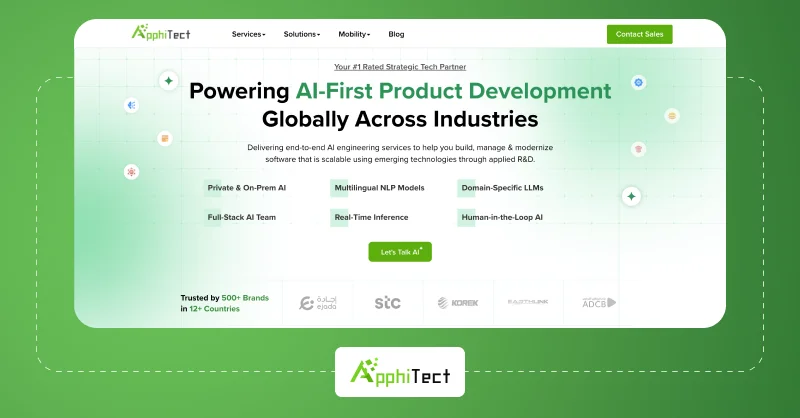
Apphitect helps enterprises build their own white-label team messenger app for Android, iOS, and the web. It provides full freedom to host the solution on their own chat servers, private chat servers, or any preferred cloud environment.
The solution supports private messaging, group video conferencing, screen sharing, third-party integration, and more. Enterprises and large organizations can save costs by purchasing its one-time perpetual license.
Apphitect Features:
- 1-on-1 & Group Video Call
- Scheduled Messages
- Connect with Calendar
- AI Chatbot Support
- AI Smart Replies
Apphitect Pros:
- It enables organizations to build a fully customizable team chat app.
- Team members can share large files without any size limitations, that enhance collaboration.
Apphitect Cons:
- The AI conversation tracking feature is in beta version in the software.
- It’s not suitable for teams that want an app with default messaging features.
2. MirrorFly – Best Open Source Chat & Video Conferencing Platform
G2 Rating: 4.4/5
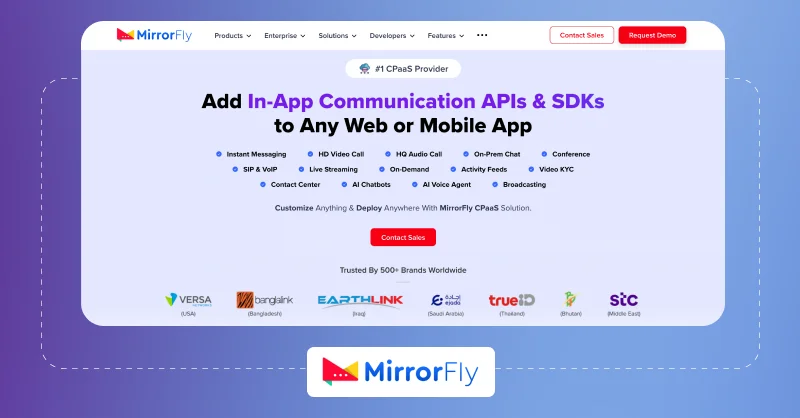
MirrorFly is a ready to use, in-app chat, voice, and video communication software that helps developers to build interactive team chat apps. It allows customizing their SDK, add brand elements, and deploy it on their own servers. Besides, businesses can add AI-powered features to their instant messaging apps.
The pre built messaging solution comes with a lifetime license cost, and enterprises can launch a fully branded instant messaging app within 48 hours.
MirrorFly Features:
- HD Video Calling
- Remote Screen Share
- On Premise Chat Server
- Unlimited Files Sharing
- 100+ 3rd Party Integrations
MirrorFly Pros:
- The solution allows creating a white-label team chat app and provides complete data ownership.
- It protects business communications with AES encryption, AI content moderation, and profanity filters.
MirrorFly Cons:
- The conversation coach AI feature is not fully rolled out and can take time to activate.
- It’s not suitable if you only need an IM app with default features and no customization.
3. Mattermost – Secure Enterprise Collaboration Services

G2 Rating: 4.3/5
Mattermost allows organizations to deploy an internal messaging platform on private infrastructure. It includes direct messaging, channels, file sharing, workflow automation, and integrations with developer tools. Teams can manage user access, security policies, and compliance requirements.
Mattermost Features:
- Voice, Video Call
- File Sharing Option
- AI Assistant
- Bookmarks & Pins
- Threaded Discussions
Mattermost Pros:
- It integrates with DevOps tools such as GitHub, Jira, Jenkins, and GitLab to streamline workflows.
- Mattermost includes ‘playbooks and incident collaboration’ features that help teams manage operational responses.
Mattermost Cons:
- The advanced security and compliance features are available only in paid editions.
- It requires technical expertise for deployment, customization, and ongoing maintenance.
Note: Explore more on alternatives to Mattermost.
4. Zulip – Secure Open Source Team Chat Platform
G2 Rating: 4.6/5
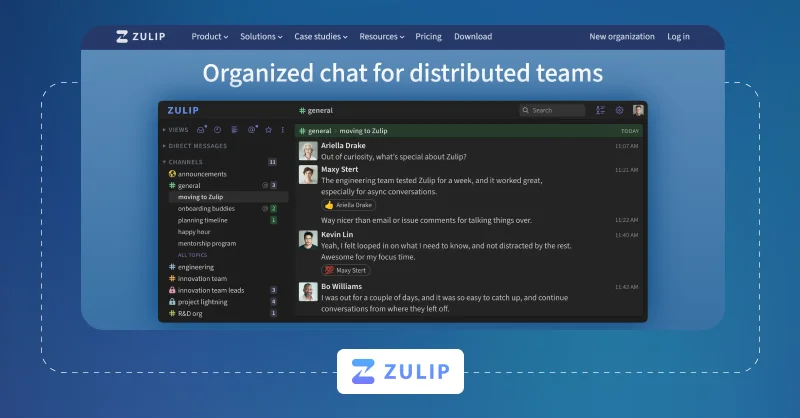
Zulip delivers organized team communication through topic-based threaded conversations. The self-host platform supports real-time messaging across web, desktop, and mobile devices. Its conversation structure helps teams prevent channel clutter and manage discussions.
Zulip Features:
- Message history search
- Polls & to-do lists
- Custom emoji
- Read receipts
- Typing notifications
Zulip Pros:
- It supports thousands of users in a single organization without affecting conversation structure.
Zulip Cons:
- The threaded conversation interface can take time for new users to adapt.
- It is not ideal for organizations that need advanced voice and video collaboration.
5. Element – Secure Matrix Messaging Client
G2 Rating: 4.2/5
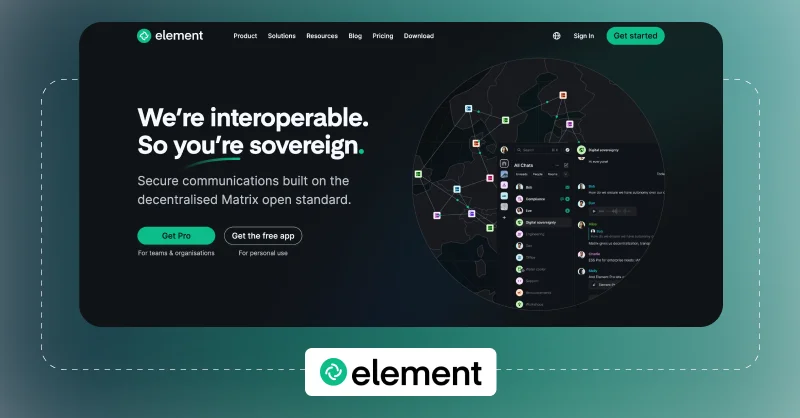
Element provides a secure open source messaging interface built on the Matrix protocol for organizations prioritizing privacy. It supports encrypted messaging, voice and video calls, and file sharing features. Businesses can deploy it within their infrastructure and connect multiple users across trusted Matrix servers.
Element Features:
- Voice & video conferencing
- File & document sharing
- Threaded conversations
- End-to-end encryption
- Cross-platform syncing
Element Pros:
- Element enables communication across different Matrix servers through decentralized federation.
- It supports end-to-end encrypted communication with independently verified encryption keys.
Element Cons:
- Initial setup and Matrix server management are complex for non-technical teams.
- Large-scale deployments may require additional infrastructure and effort.
6. Matrix Synapse – Open Source Messaging & Video Call Server
G2 Rating: NA
Matrix Synapse serves as the backend homeserver for building decentralized messaging platforms. Organizations can deploy it on private infrastructure to build secure and scalable communication systems. It manages user authentication, message synchronization, and chat room management.
Matrix Synapse Features:
- VoIP/video Calling
- Persistent Chat History
- Third-party Integration
- End-to-end Encryption
- Rich Multimedia Support
Matrix Synapse Pros:
- The provider supports multiple authentication methods, including LDAP, SSO, and OAuth.
Matrix Synapse Cons:
- The ongoing administration requires experienced Linux and server management expertise.
- Matrix Synapse deployment requires additional tuning and infrastructure to maintain performance.
7. MongooseIM – Scalable XMPP Messaging & Video Call Server
G2 Rating: 4.4/5
MongooseIM allows enterprises to build scalable messaging platforms using the XMPP protocol. It supports millions of concurrent connections, message routing, and user presence. Development teams extend the platform through APIs while deploying it across distributed server environments.
MongooseIM Features:
- Push Notifications
- Multi-Device Support
- Message Archive
- Group Chat Option
- Offline Messages
MongooseIM Pros:
- It supports multiple database backends to scale messaging infrastructure.
- MongooseIM offers pre-built Docker images, Helm charts, and Prometheus integration for cloud native deployment.
MongooseIM Cons:
- The backend messaging server does not provide a ready-to-use chat interface.
- It takes additional development and integrations to create a full messaging app.
8. Wire – Enterprise Secure Collaboration Platform
G2 Rating: 4.2/5
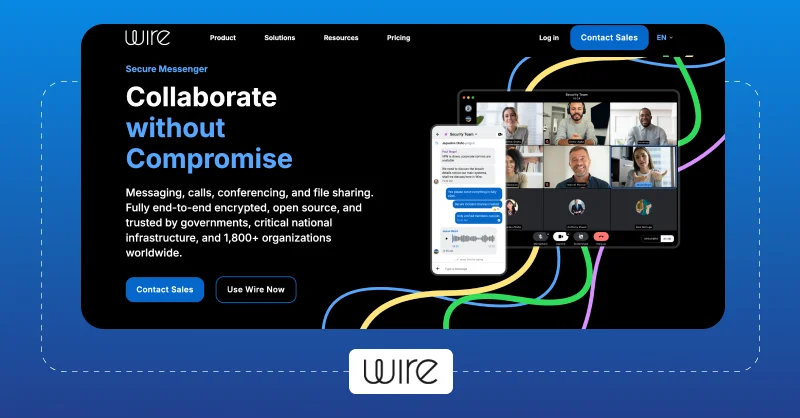
Wire provides secure team communication with encrypted messaging, voice calls, video meetings, and file sharing features. Organizations can deploy the platform within private environments to meet security and regulatory requirements.
Wire Features:
- Messaging & File Sharing
- End-to-End Encryption
- Audio & Video Calls
- Guest Rooms
- Device Syncing
Wire Pros:
- It supports MLS-based encryption for secure communication across organizations.
- Wire includes guest rooms and external partner collaboration without exposing internal workspaces.
Wire Cons:
- It offers less customization options when compared to source code-based messaging platforms.
9. Nextcloud Talk – Open Source Team Communication Platform
G2 Rating: 4.4/5
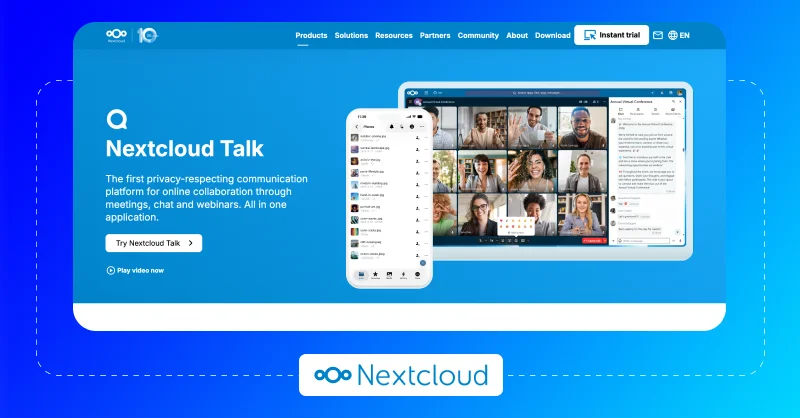
Nextcloud Talk helps organizations deploy secure messaging, voice calls, and video meetings within their own infrastructure. It supports private conversations, group chats, screen sharing, file collaboration, and guest access. Businesses integrate it with the Nextcloud ecosystem to centralize communication and document management.
Nextcloud Talk Features:
- Direct or group messages
- Webinar & Meeting Controls
- SIP Integration
- In-Call Document Editing
- AI Assistance
Nextcloud Talk Pros:
- It supports SIP gateway integration to connect team meetings with traditional phone systems.
Nextcloud Talk Cons:
- The performance varies for large-scale video meetings without infrastructure optimization.
- It is best suited only for organizations already using the Nextcloud ecosystem.
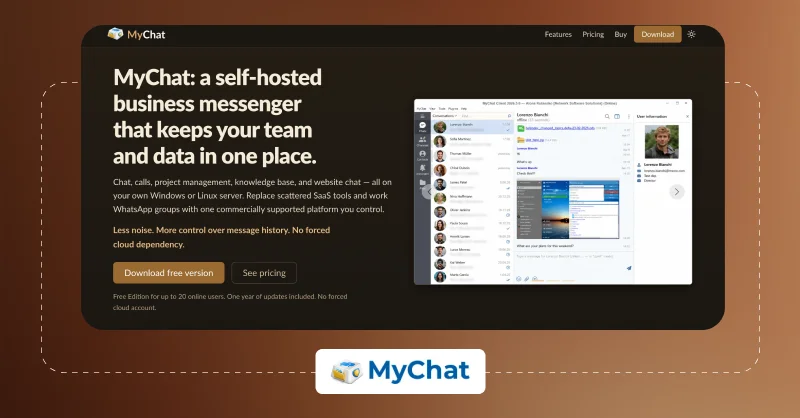
10. MyChat – On-Premise Office Messaging & Video Call Application
G2 Rating: 4.6/5
MyChat provides an internal messaging solution for organizations that require communication within private office networks. It includes private chat, group messaging, file transfer, announcements, and user management. Businesses deploy it on local infrastructure without relying on external messaging services.
MyChat Features:
- Encrypted Chat
- Targeted Channels
- Integrated Forums
- File & Folder Transfer
- Third-Party Integration
MyChat Pros:
- It operates entirely within local area networks without requiring an internet connection.
- Broadcast messaging allows sending company-wide announcements to selected users.
MyChat Cons:
- It is not suitable for organizations requiring complete source code ownership.
- The platform offers limited flexibility for deep feature customization.
How to Choose the Right Source Code Chat & Messaging App?
You should prioritize scalability, customization, and data control while picking the self hosted chat app. Below is a checklist to refer to:
- On-Premise, Cloud & Hybrid Deployment: Enterprises should host the chat solution anywhere they want. It helps balance performance, compliance, and cost.
- Customization Flexibility: The messaging solution should allow adding, removing, and modifying features and help build a user-specific chat app.
- Third-Party Tool Integration: It should connect with CRMs, helpdesk software and more business tools to improve overall user engagement and collaboration.
- Enterprise-grade Security: Check for features, such as role-based access, end-to-end encryption, and multi-factor authentication.
- Complete Data Ownership: It should provide full control over chat data, media files, backups, and the database. No vendor or third party should claim them.
- Scalable Infrastructure: Evaluate whether the platform supports horizontal scaling, load balancing, clustering, and high availability to handle future growth without disrupting messaging services.
- 24/7 Vendor Support: Check the technical team, documentation, integration assistance, and migration support availability.
- Lifetime License Ownership: The chat app provider must offer a one time license for a cost based on business unique requirements.
Why Chat Apps Are Popular?
“The most important thing in communication is hearing what isn’t said.”
-Peter Drucker
In this world of minutes of messaging and seconds of sharing information, the need for chat apps has grown with several purposes. Finding the best messaging apps among people and businesses is sky-high, and so are free text messaging providers.
In this article, let’s find the top 10 chat apps with helpful list of instant messaging features for developers.
The broad term “chat apps” covers social media, team collaboration, and business meetings. We found the list; choose what suits you best!
What is a Chat App?
A chat app or messaging app is software that allows users to connect in real-time through the Internet. Messaging apps are available on various devices, including mobile, desktop, and web.
Chat applications offer a range of features, such as instant messaging, voice calls, video calls, group chats, file sharing, and other interactive elements like gifs, emojis, stickers, and more.
While looking into the chat app types, typically, it’s classified as four based on the use cases:
- Consumer-Focused Chatting Apps: This type of app is widely used for personal communication with personalized and user-friendly features.
- Business-Focused Chatting Apps: Built for internal enterprise communication with integration support to add other business tools.
- Social Chat Apps: In-app messaging integrated into social media platforms like Facebook and Instagram for real-time messaging.
- Specialized Chatting Apps: Secured and reliable chat apps built for healthcare, education, and gaming.
Choosing or building the best chat app is possible based on users’ needs and preferences.
Integrating MirrorFly in-app chat API with existing apps is the best and most efficient solution for the chat experience.

- Complete Source Code
- Lifetime Data Ownership
- Deploy on Own Server
Why Build Your Own Chat App Rather Than Choosing?
However, you may not find the chat service provider with the features that you’re looking for, or it may be the one available in one app and another doesn’t.
The listed best messaging apps don’t offer flexible customization for personalized chat experience, especially for enterprise communication.
That’s why considering the way to build your own chat app using chat API will be the perfect choice.
Even though choosing the texting app from this guide saves you time, building a messaging SDK comes with customization and added features that the list can’t compete with.
Frequently Asked Questions
The best white label messaging solutions include MirrorFly, Sendbird, Apphitect, and Rocket.Chat. These providers offer fully rebrandable messaging SDKs and APIs so that enterprises can launch a chat app under their own logo, theme, and elements.
MirrorFly is a pre-built chat, audio, and video API & SDK solution. Developers can get the MirrorFly license key, integrate the solution into their platforms, and customize workflows to meet their needs. So there is no need to build the app from scratch.
MirrorFly offers a perpetual license for enterprise businesses, billed as a single one time payment instead of a monthly subscription. Enterprises get lifetime ownership of the in-app communication API & SDK solution at a fixed lifetime cost.
Yes. Most self-hosted source code chat platforms run as a standalone app. Once it’s deployed on your own servers, they include the backend, database, messaging infrastructure, and client apps to operate independently. However, some businesses integrate CRM or ERP to automate workflows.
MirrorFly is not a private messaging platform. It’s a CPaaS provider that allows businesses to create and host their own private messaging apps using their chat APIs & SDKs.
You can purchase a chat API and SDK provider’s license and integrate it with your Android, iOS, and web platform. It gives full source code access to customize features, branding, and security. Popular ones include MirrorFly, Apphitect, and CometChat.
Yes, you can install MirrorFly on your own on premises servers. The solution offers a self-hosted deployment model. This gives you complete control over your data and infrastructure.
Yes, MirrorFly provides a perpetual license that enterprises can own for a lifetime without any recurring payment.
Yes, chat API and SDK providers support deployment across on-premises data centers, private cloud, or on dedicated cloud servers. Some popular chat API providers are Zulip, MirrorFly, Apphitect, and Rocket.chat.
Yes, source code chat app providers such as Mattermost, MirrorFly, Apphitect, and Zulip support both self-hosted and hybrid deployments. This gives organizations full control over infrastructure, data, and deployment based on their security and compliance needs.
Conclusion
When it comes to choosing a self-hosted chat platform, each business has different needs and goals. Based on your specific needs, pick the right solution.
And, if you’re looking to launch your custom self-hosted chat app, contact the experts to get started.
 Atchaya Jayabal leads Content at MirrorFly and is an expert in writing Tech, SaaS & B2B. She regularly publishes articles on CPaaS & Conversational AI in blogs.